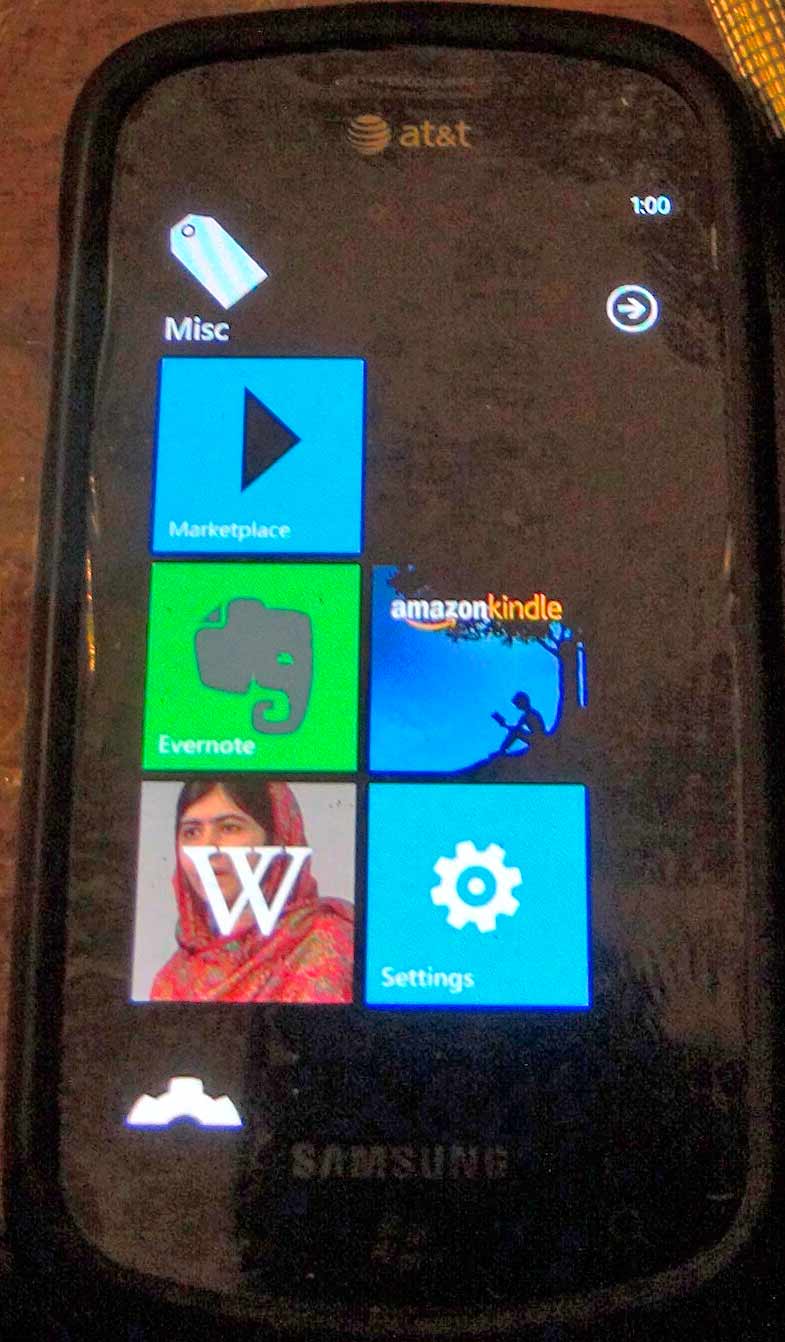
Do-It-Yourself Plastic Wrap Screen Protector
How I Made a Screen Protector for My Cell Phone Using Ordinary Plastic Wrap
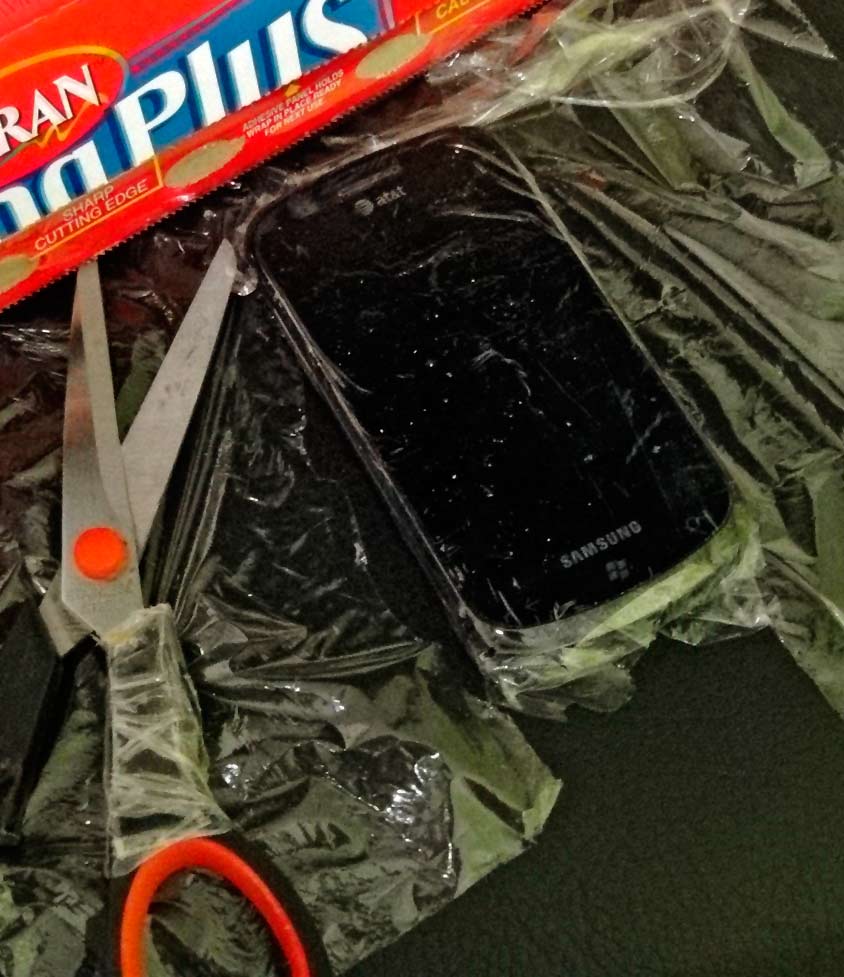
My cell phone is so old that I couldn't find a screen protector at local retail stores. I purchased my Samsung Focus mobile phone over four years ago with a package of three screen protectors. Believe it or not, they've lasted for all of that time until the last one recently started to bend and separate from the screen. I went from one store to the next trying to find a new commercially-available screen protector with no success.
Most people would just break down and buy a new phone (or purchase screen protectors on the internet). But after repairing the power button on my phone (see my web page article), I thought I could solve my screen protector problem too. So I set out to make a do-it-yourself screen protector using the plastic wrap that we use every day in the kitchen.
I went to the grocery store and inspected several different brands of plastic wrap. I settled on Saran ClingPlus for no particular reason at all. (UPDATE 12-06-14: Glad ClingWrap works better than Saran ClingPlus.) As you'll notice below, this brand ended up having plenty of cling, but it was a bit rough-textured. No doubt this brand works great for food, but I doubt it was meant to also function as a great substitute for a real screen protector. But in a pinch, it will do just fine.
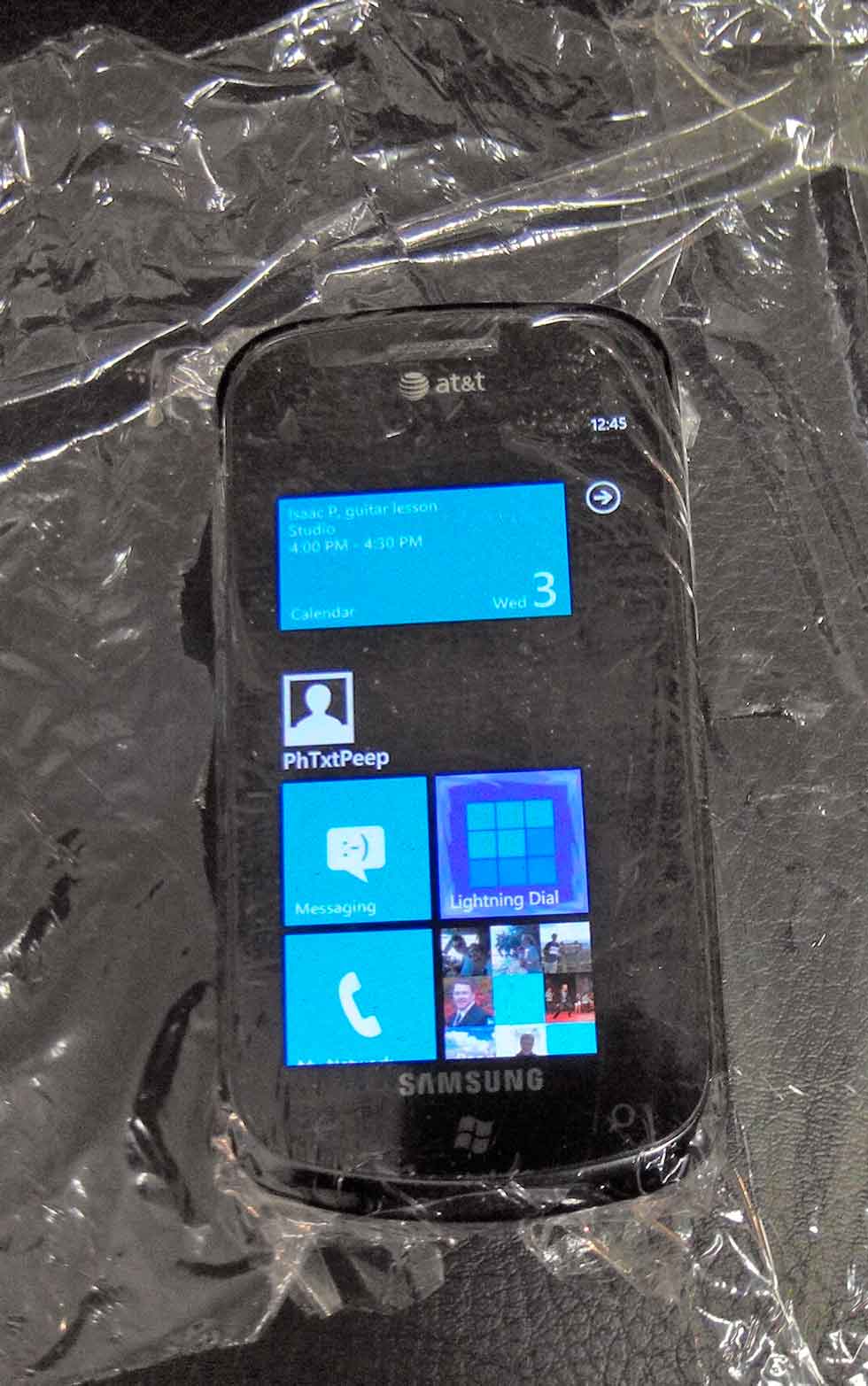
The process of applying it to your cell phone screen is relatively easy.
- Clean the screen thoroughly. I used rubbing alcohol and a paper towel.
- Cut the plastic wrap about three inches bigger than the screen. You need this much slack to get a good grip with your fingers. Be careful not to leave fingerprints on the part that will contact the screen.
- Stretch the plastic wrap so that it clings without wrinkles. I tried to smooth out the wrinkles with a credit card first, but I found that it tore through the plastic. Stretching it using my fingers worked fine. I had to be patient and work around each side of the screen.
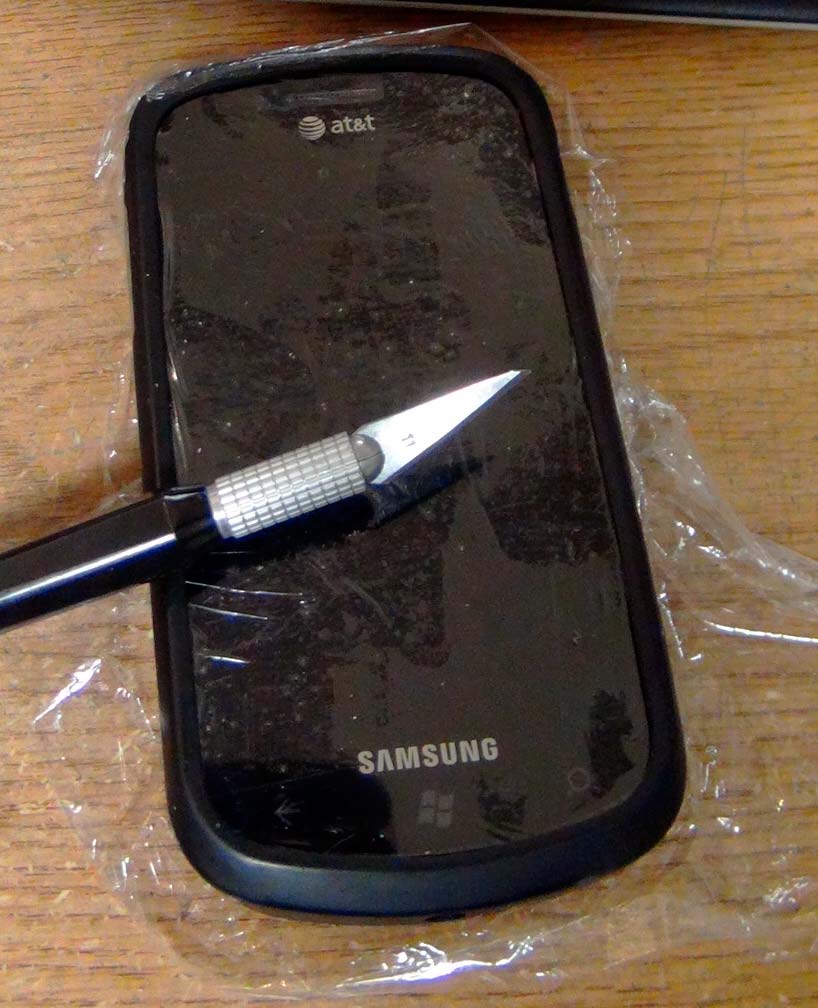
- Smooth out any air bubbles using your fingers.
- Cut the plastic into a smaller size just a bit bigger than the screen. I used an X-Acto knife.
- Wrap the excess plastic around the side and back of the phone to keep it held taut.
- Reinstall the protective phone cover (if you have one) to help hold the plastic in place. I carefully cut holes in the plastic for the USB port and audio jack. I found that the power, volume, and camera buttons worked fine even though they were covered in plastic.